Feature guide
Walk your room in VR before you buy a single piece
Guides · updated 2026-08-18
Every trick in room planning — plans, elevations, 3D orbits — approximates one question: what will it feel like to stand in it? A VR headset stops approximating. The room renders at real scale, from your real eye height, and "is the walkway too tight?" becomes something you check by standing in the walkway.
What you need
- A room planned in The Good Room Planner — the scene is built in real meters, which is what makes true scale automatic.
- A VR headset with a WebXR browser — a Meta Quest’s built-in browser works out of the box. Nothing to install: no app, no export, no sideloading.
How to walk your own design
- Plan the room on your computer — walls at true measurements, furniture from product URLs.
- Open it in the headset’s browser. Share the project and the share card gives you a short six-character address (like thegoodroomplanner.com/v/7KPQ2X) made to be typed in a headset — because a Quest’s browser has no QR scanner, and nobody wants to type a 24-character link in VR. The QR code on the same card is for phones.
- An Enter VR button appears over the 3D view — it only shows on browsers that can actually present VR. Tap it.
- You are standing in the room. The left thumbstick walks at a stroll, the right snap-turns in 45° steps (the comfortable default). Duck under the loft bed. Stand at the window.
For designers: your client can do the same
The share link a client receives carries the identical button. A client with a Quest opens your proposal, taps Enter VR, and walks the design you made them — at the scale it will actually be. "Will the sofa crowd the doorway?" stops being a judgement call about a picture; they stand in the answer. Among the e-design tools we have compared, nobody else ships this on the client-facing link.
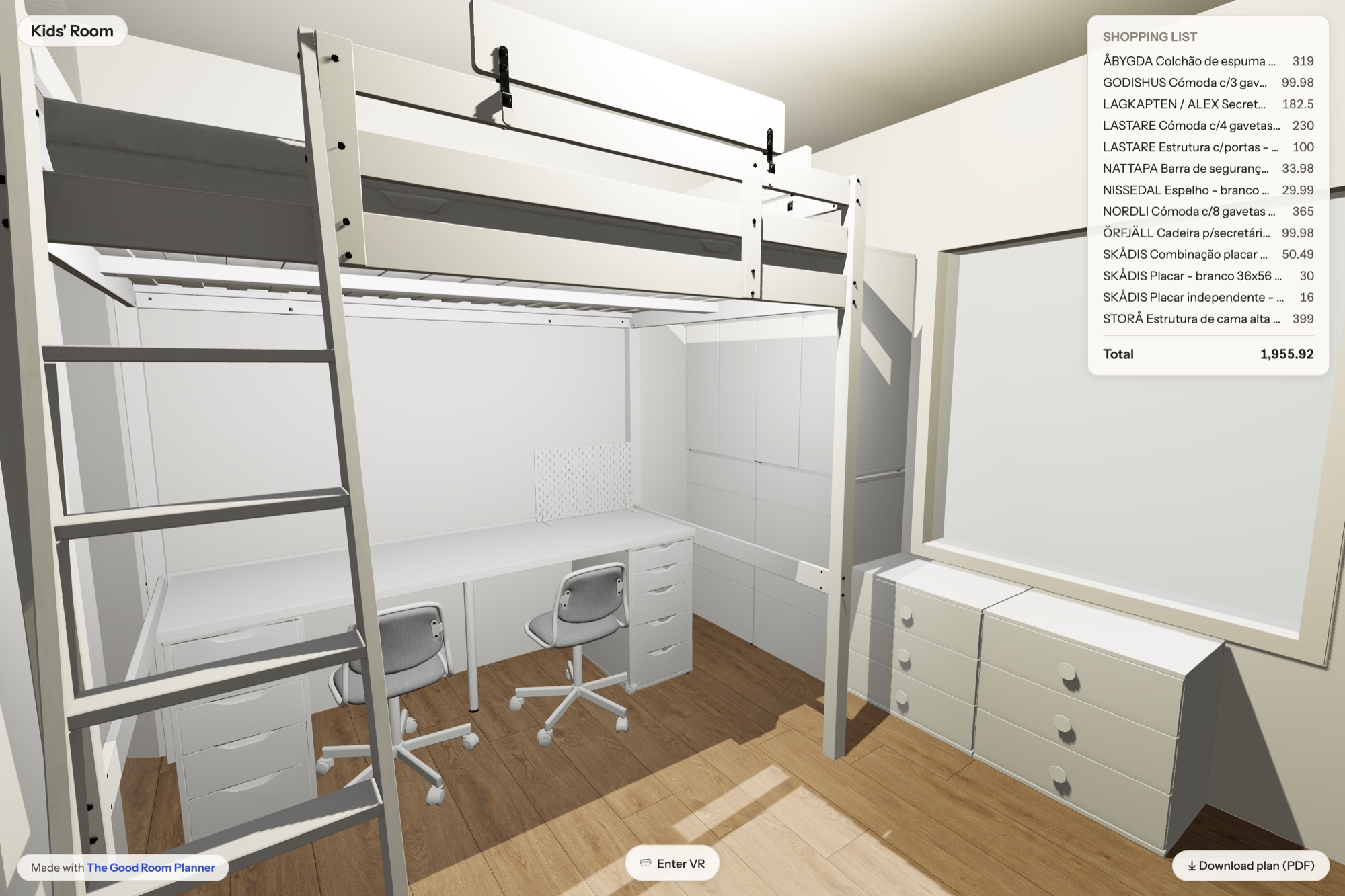
What VR is for (and not for)
VR answers spatial questions: clearances, sightlines, how enclosed the loft bed corner feels, whether the desk under it works for an adult. It is not a photorealism showcase — materials render as they do in the planner. Use it late in the process, after the layout is close, to catch the mistakes that only scale reveals — before the checkout, not after the delivery.
The scene is in meters; the headset brings your eye height. Real scale is not a feature we added to VR — it falls out of planning at true measurements.
Real scale, no install
Plan the room in your browser, type the share card’s short address in a headset, and walk it. Works in the headset’s own browser.
Start planning free